Product · DETECTION
Stream URL Sniffer for Windows
Detect HLS, M3U8, and DASH URLs on Windows with HiDownload’s built-in sniffer. Find the playlist, then download — no DevTools.
A page can play video in the browser and still hide every useful URL. The address bar shows an article. Right-click offers nothing. Browser extensions miss HLS. That is the job of a stream URL sniffer on Windows: watch the player’s network requests and list the media links you can actually download.
HiDownload includes this sniffer in the desktop app. It is not a separate packet capture suite, and it is not a 2000s-era LAN sniffer you point at a network card. You open the page inside the workflow, play the stream, and the app lists M3U8, HLS, DASH, and similar URLs.
Why “copy the address bar” fails
Most streaming sites never put the media file in the address bar. A JavaScript player loads a master playlist. That playlist points at quality variants. Each variant is another list of segments. Ads may appear as their own short playlists.
Copying the webpage URL into a generic downloader therefore does nothing. Tools that people remember from years ago — including classic URL Snooper style utilities — were built to notice media requests. The need has not gone away. The formats have changed: HLS and DASH instead of a single FLV.
A modern stream URL sniffer has to understand playlists, not only “a file named .mp4 went by.”
What HiDownload detects
While the video plays, the built-in sniffer can list:
- HLS / M3U8 playlists (master and media)
- MPEG-DASH / MPD manifests
- Progressive MP4 or audio URLs when the player requests them
It monitors the embedded browser session. You do not paste headers by hand. You do not filter Chrome DevTools by m3u8 unless you want to.
Pick the row whose size grows with the programme. Skip three-second ad playlists. If video and audio are separate, select both.
Stream URL sniffer vs other detection methods
| Method | Strength | Weakness |
|---|---|---|
| Browser DevTools → Network | Always available | Tokens expire; many playlists; you still need a downloader |
| Browser extensions | Convenient on one browser | Break after site updates; weak on fragmented HLS/DASH |
| Classic URL Snooper / LAN capture | Saw older HTTP media | Awkward on HTTPS; not a playlist downloader |
| FFmpeg / yt-dlp with a copied URL | Powerful once you have the URL | You must find the URL first |
| HiDownload built-in sniffer | Detect and download in one Windows app | Desktop only; will not bypass DRM |
This page is not an attack on other tools. DevTools is fine if you already live in it. A dedicated sniffer is for people who want the detection list and the download queue in the same window.
How to detect a stream URL on Windows
- Install HiDownload and open the page you are allowed to save.
- Start the sniffer from the toolbar and play the video for a few seconds.
- Wait until a
.m3u8,.mpd, or other media URL appears. - Select the playlist that continues to grow.
- Queue the download. Preview or convert when it finishes.
How to Detect Streaming URLs is the longer tutorial. How to Download Videos Without DevTools covers the same idea for people tired of F12.
If you already have a playlist URL, paste it. The sniffer is for the cases where you do not.
When detection stays empty
- The video is not playing, so the player has not requested media.
- The stream is DRM-protected or fully encrypted.
- The player runs in an iframe or after a login wall the session cannot see.
- The URL is signed and never listed as a playlist the app understands.
Play again, wait, and look for a growing row. Do not assume every website exposes a snifable stream. HiDownload does not bypass DRM.
URL Snooper, network downloader, and this product
Searches like “url snooper download,” “url snooper 2,” and “network downloader” often mean: I need to capture the media URL, then save the file. HiDownload is a Windows stream downloader with that capture step built in. It will not clone every feature of a packet analyzer. It will list the HLS/DASH playlists a streaming page requests and let you download them.
Use a protocol analyzer if you are debugging a network. Use this sniffer if you want a local copy of a stream you have the right to keep.
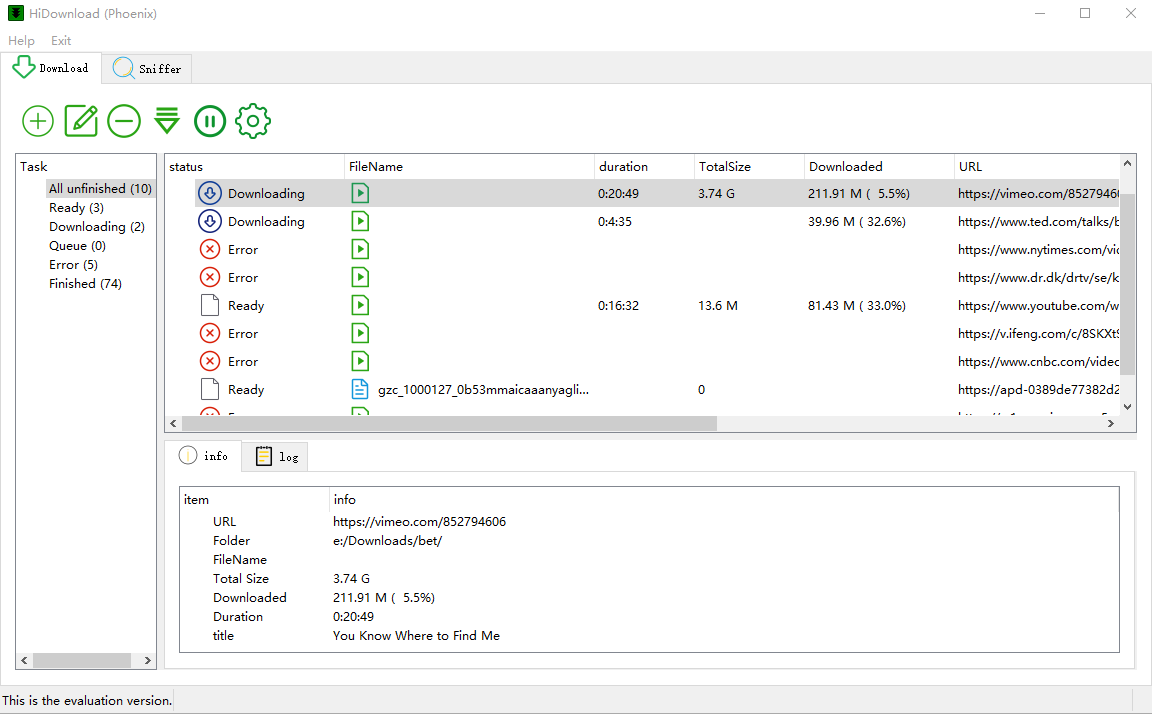
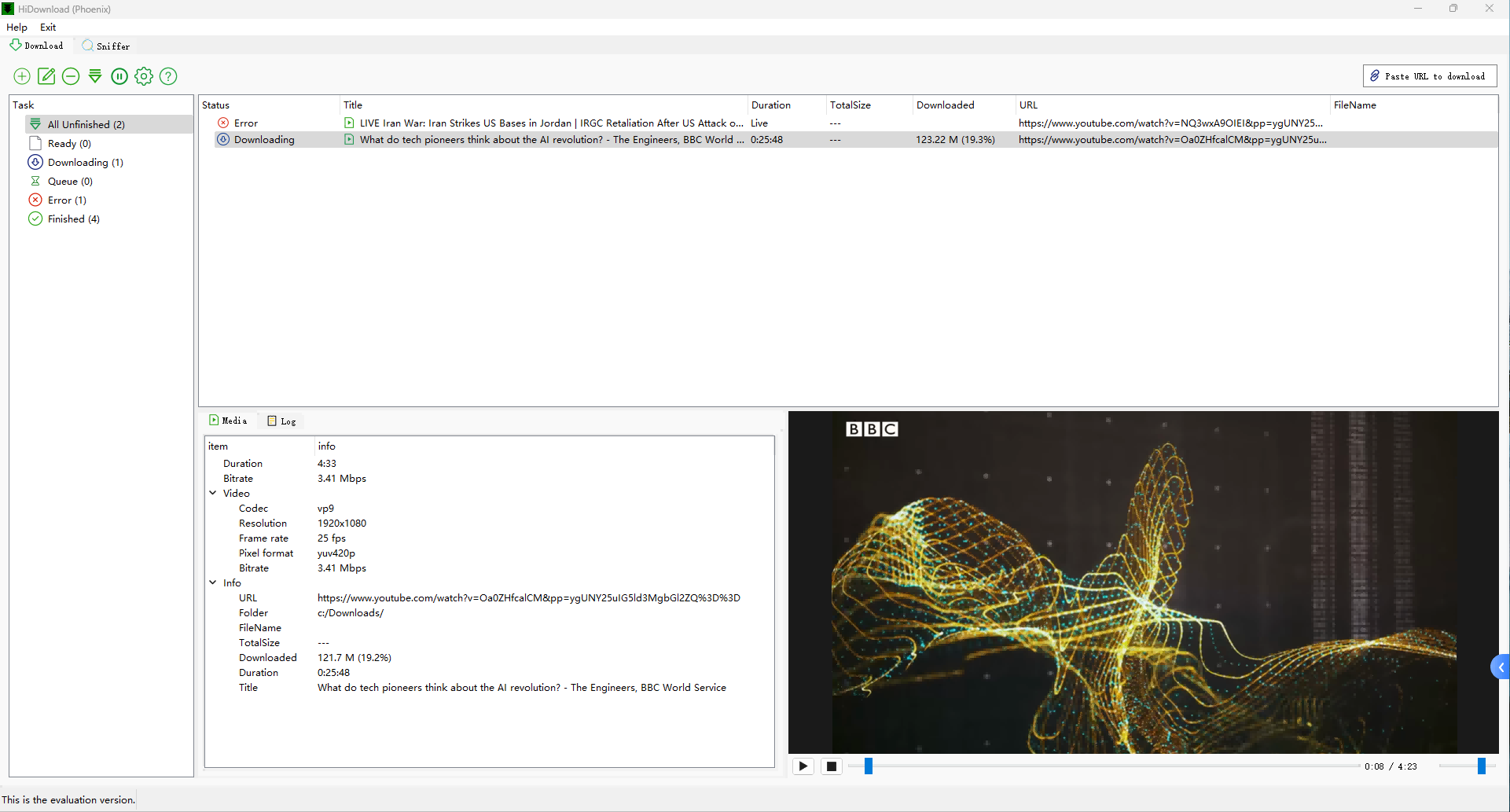
See the workflow
Frequently asked questions
Download HiDownload for Windows
Detect M3U8, HLS, and DASH streams, then download, play, or convert — no command line.
Only save content you have the right to keep. HiDownload does not bypass DRM.